
Connect a Facebook Page
Authorize Facebook, choose which Pages to add to PostDaily, and find out why a Page you manage might be missing from the list, and how to fix it.
Connecting a Facebook Page, from the channel grid to the Page picker.
PostDaily publishes to Facebook Pages, not personal profiles. That's a Facebook rule, not ours — the Pages API is the only way any tool can publish to Facebook on a schedule. If you only have a personal profile, create a Page first, then come back here.
The whole thing takes about a minute. Follow along with the screenshots below.
Connect your Page
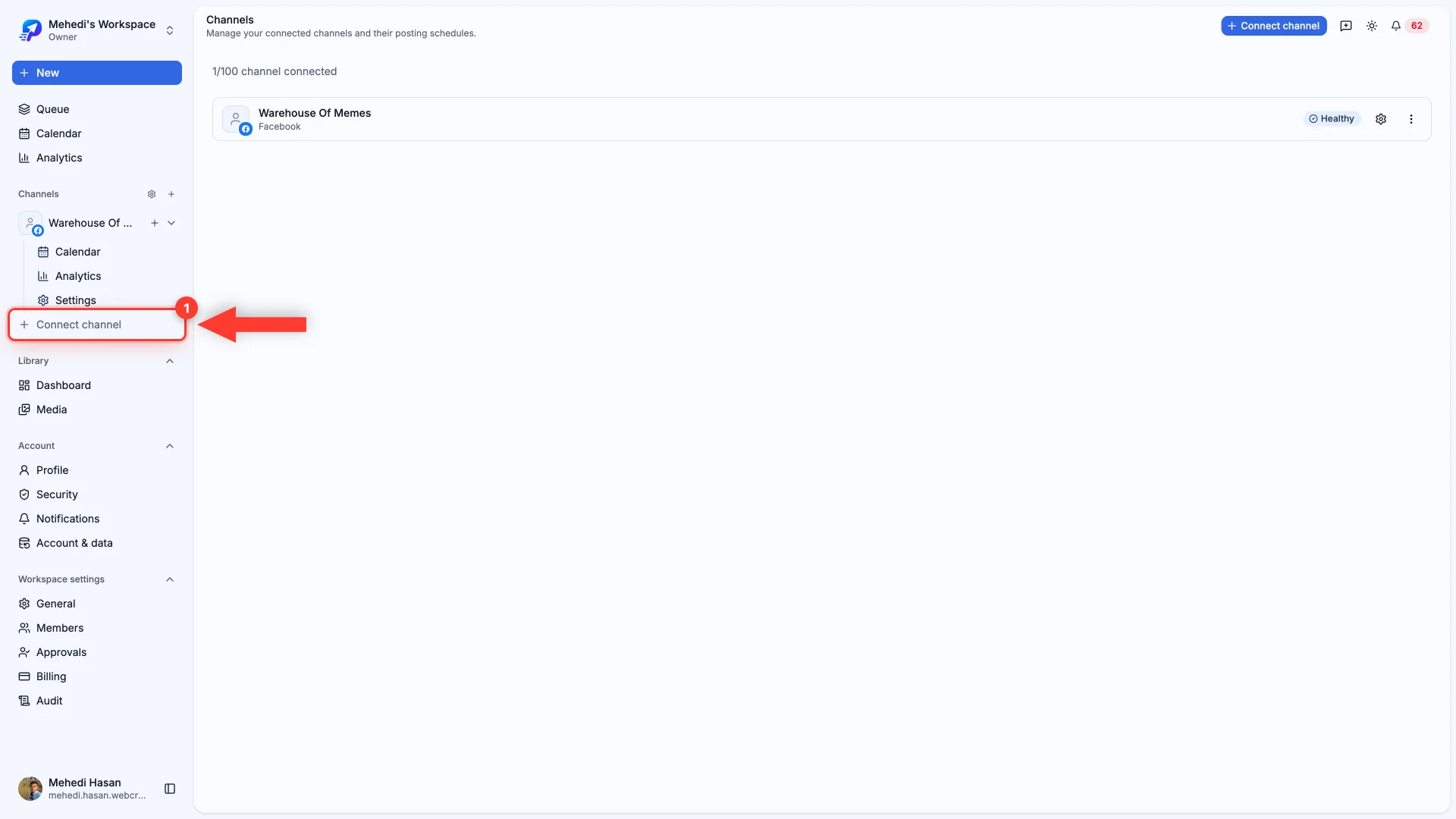
- 1Open Channels, then Connect channel
You'll find both in the left sidebar.
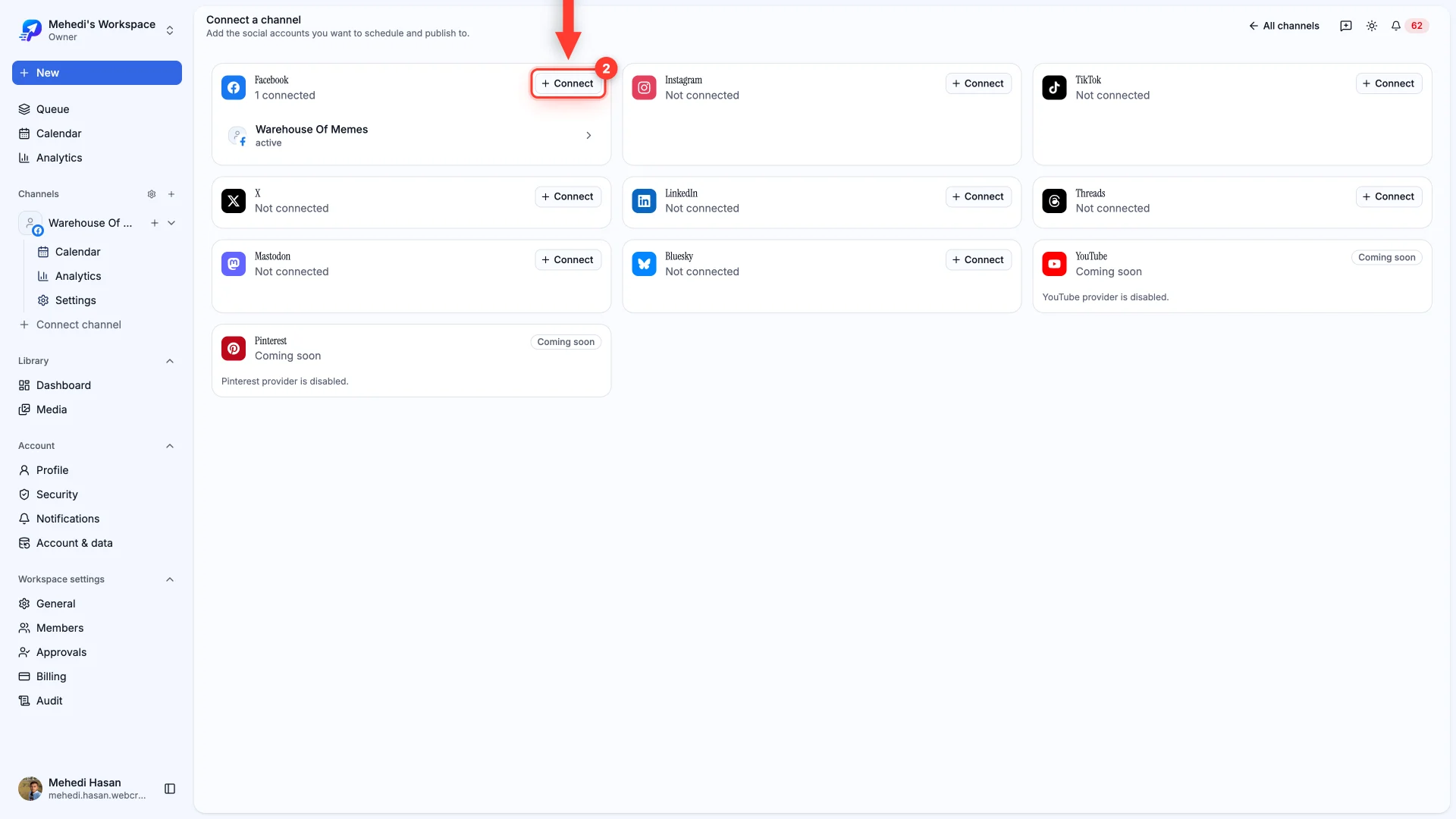
- 2Find Facebook and click Connect
Every network PostDaily supports appears as a card on this page.
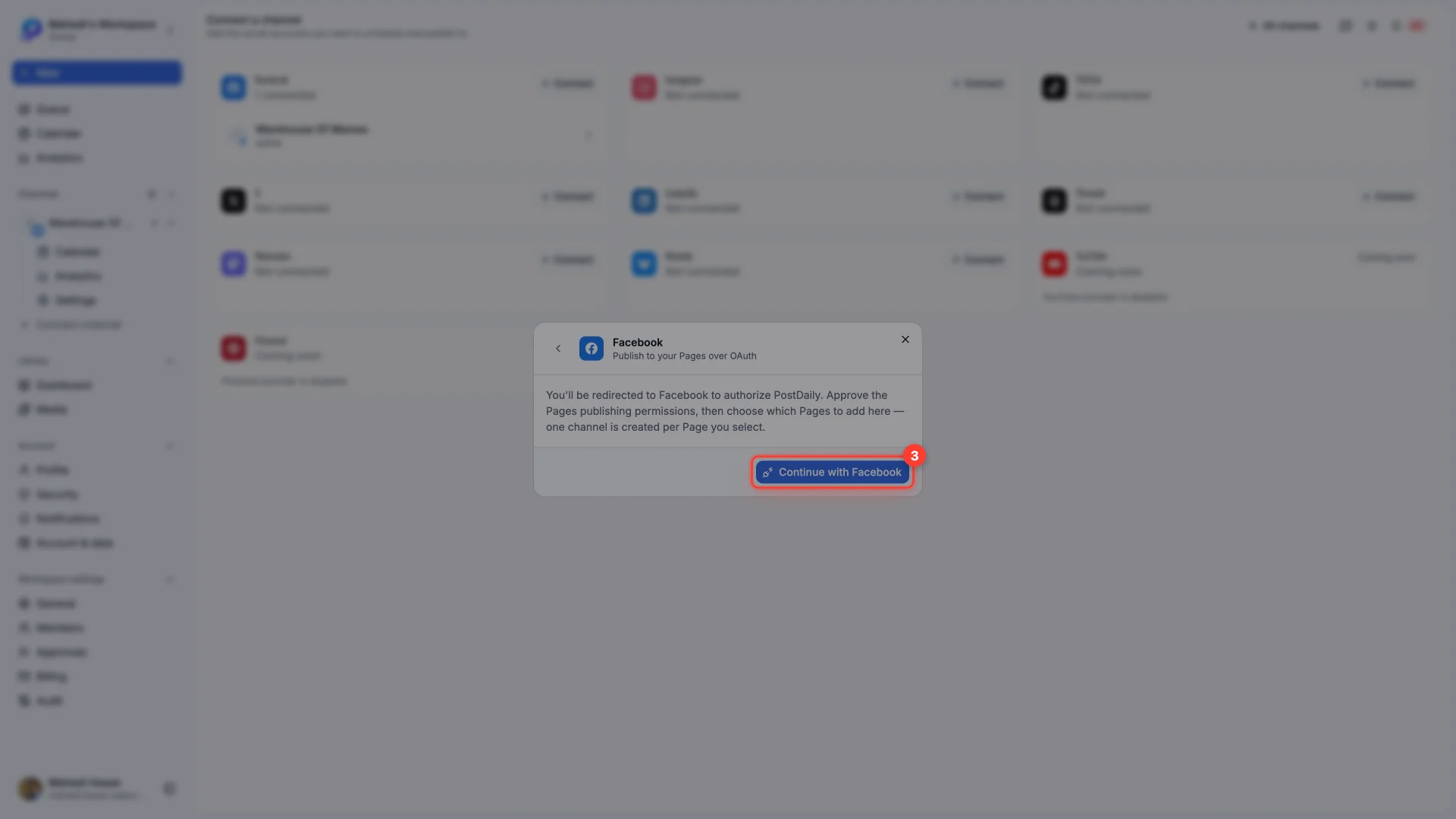
- 3Click Continue with Facebook
PostDaily explains what it's about to ask for, then hands you over to Facebook.
- 4Approve the permissions on Facebook
Facebook asks which Pages to grant. Tick every Page you want to post to — whatever you tick here is all PostDaily can ever see.
- 5Choose what to add
Back in PostDaily you'll see the Pages you granted. Tick the ones you want as channels and confirm.
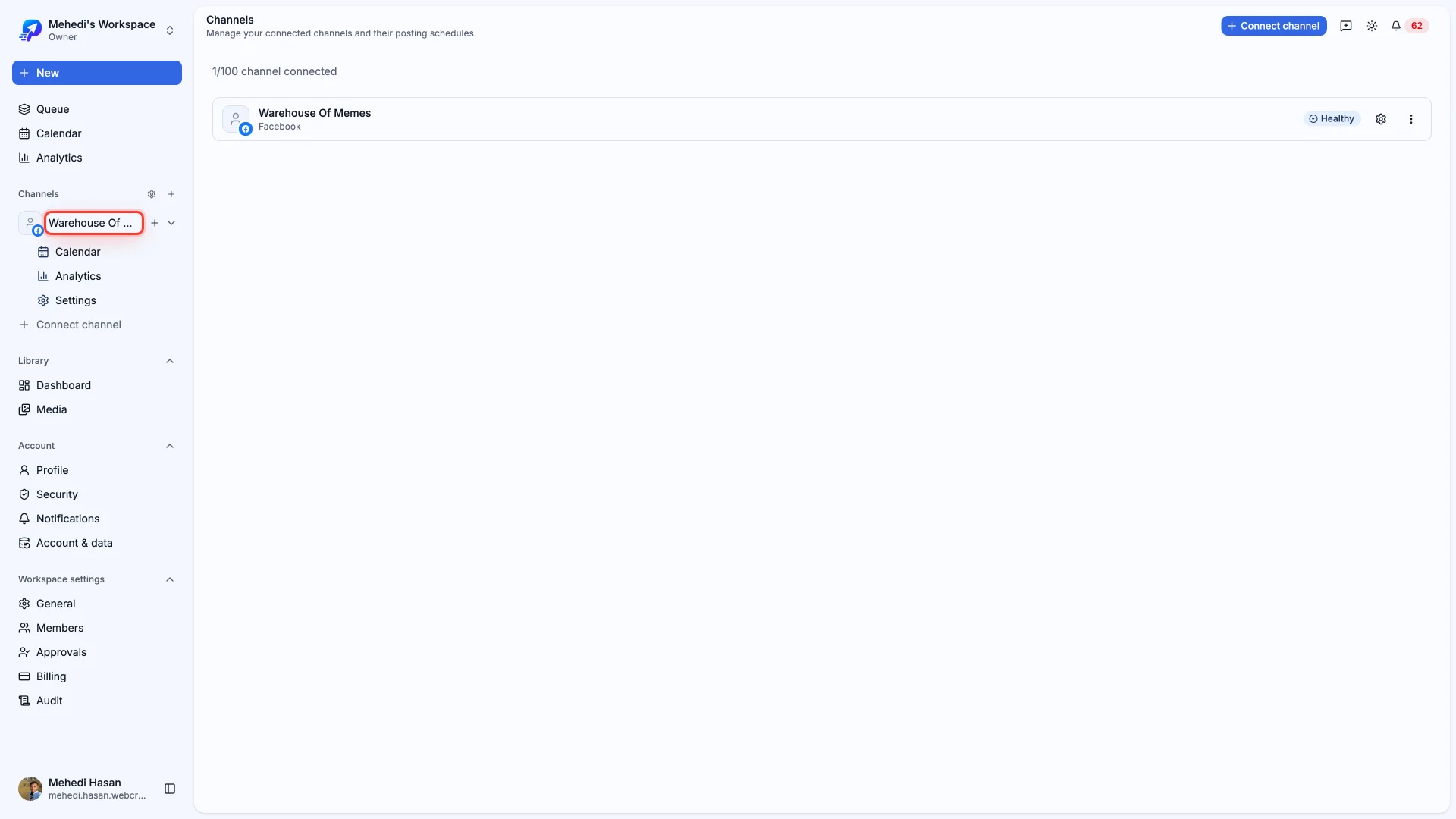
That's it. Your Page now appears in Channels, ready to schedule.
A Page is missing from the list
This is the most common question we get, and it almost always has the same cause: the Page wasn't granted during the Facebook step, so PostDaily never received it.
- Reconnect the channel and, on Facebook's screen, make sure the Page is ticked.
- You need to be an admin of the Page — editor and moderator roles can't grant publishing access.
- Pages in a Business Portfolio may need you to authorize through the right portfolio.