
Connecting channels
Connect an Instagram account
Connect an Instagram business or creator account by Direct Login or through a Facebook Page, and the one difference that decides which you want.
Updated · 3 min read
Both ways to connect Instagram, and what each one unlocks.
Instagram needs a Business or Creator account. A personal profile can't be published to on a schedule by any tool — that's Instagram's rule, and converting is free in the Instagram app.
Open Connect channel and choose Instagram.
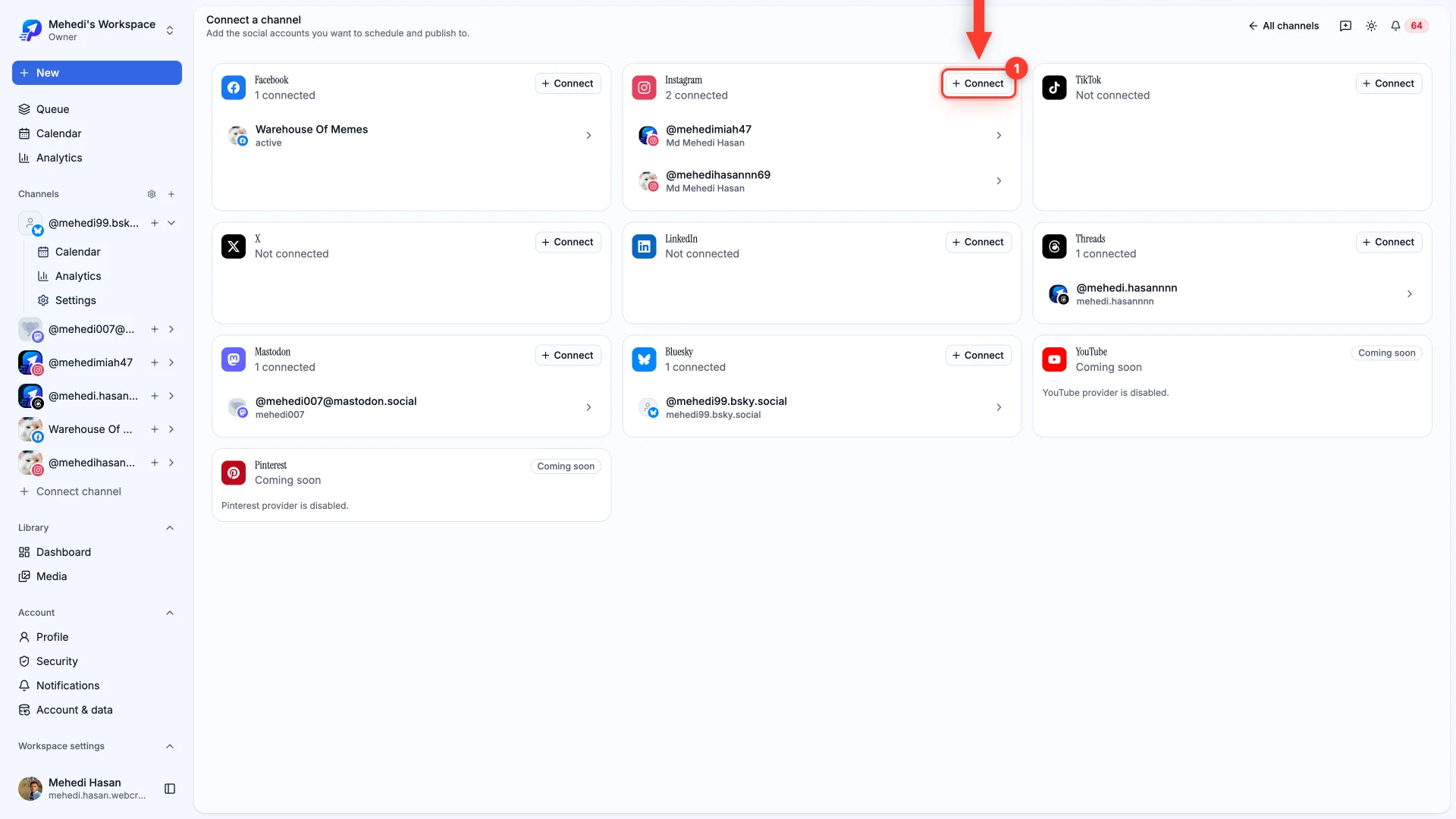
Two ways in
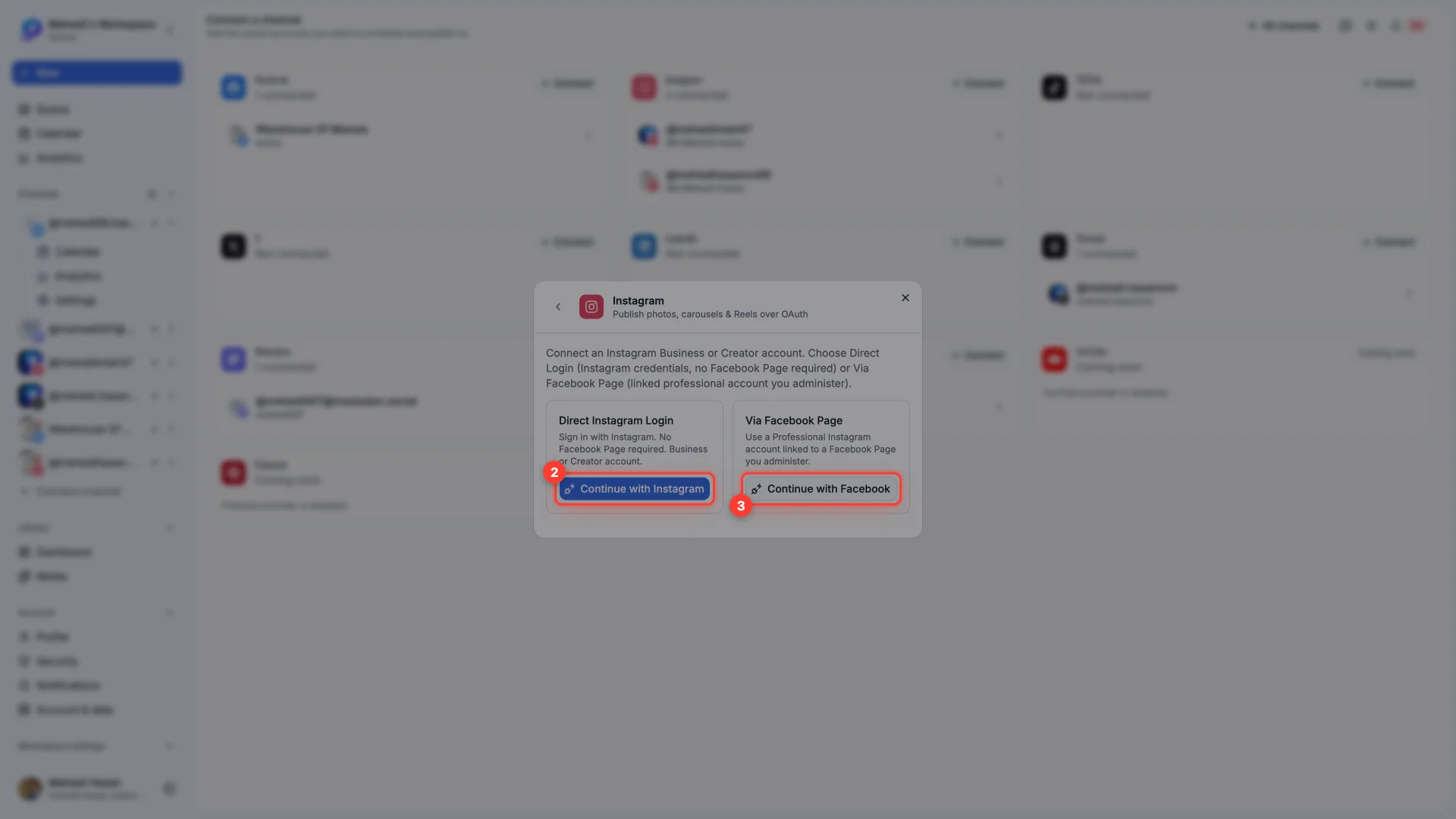
- 1Direct Instagram Login
Sign in with your Instagram credentials. No Facebook Page needed. The simplest route if your account isn't linked to a Page.
- 2Via Facebook Page
For a professional Instagram account linked to a Facebook Page you administer. You'll authorize through Facebook instead.
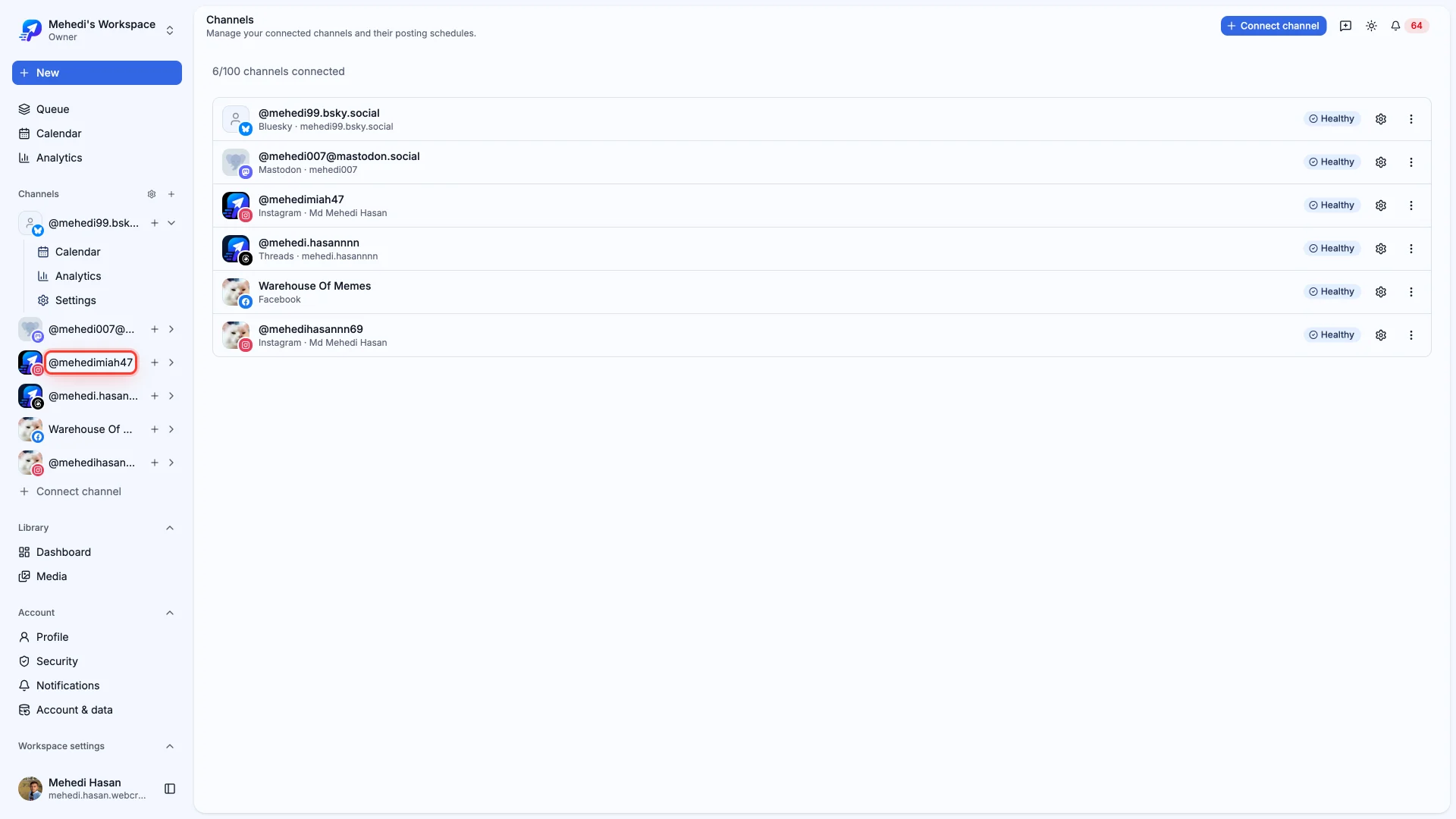
Once connected, the account appears in Channels and is ready to schedule.
If it won't connect
- "Not a professional account" — switch to Business or Creator in the Instagram app, then retry.
- Connecting via Facebook, but the account isn't listed — the Instagram account must be linked to a Page you administer. Link it in the Page's settings first.
- You want both accounts — connect them one at a time. Each becomes its own channel with its own schedule.
Still stuck?
We usually reply within one business day.