
Schedule social media posts from ChatGPT, Claude or any AI agent
Connect PostDaily to any AI app or agent that supports MCP: Claude, ChatGPT, Cursor, Codex, Gemini CLI and many more. Ask it to write a post, schedule it into your queue, plan a week or read your analytics, and it does the work in your PostDaily account. It asks before publishing anything right away. Included on every plan, Free too.
Server URL: https://mcp.postdaily.app/mcp
What you can ask it
You talk to your AI app in plain language. It uses PostDaily to do the job, with each network's real limits and your own channels.
“Write a launch post for Instagram and Bluesky and add it to my queue.”
Writes a version per network, checks each against that network's rules, and puts it in the next free slot.
“Plan next week's posts about our new feature and fill the empty slots.”
Reads your queue, drafts a post for each free slot and schedules them.
“Turn this blog post into a thread for Threads and X.”
Splits it into posts that fit each network's limit, with the image from the article.
“What did best last month, and when should I post?”
Reads your analytics and your own best posting times, channel by channel.
“Why did yesterday's TikTok post fail? Retry it if you can.”
Explains the network's error and, once you say yes, retries the failed channel.
See the post before you schedule it
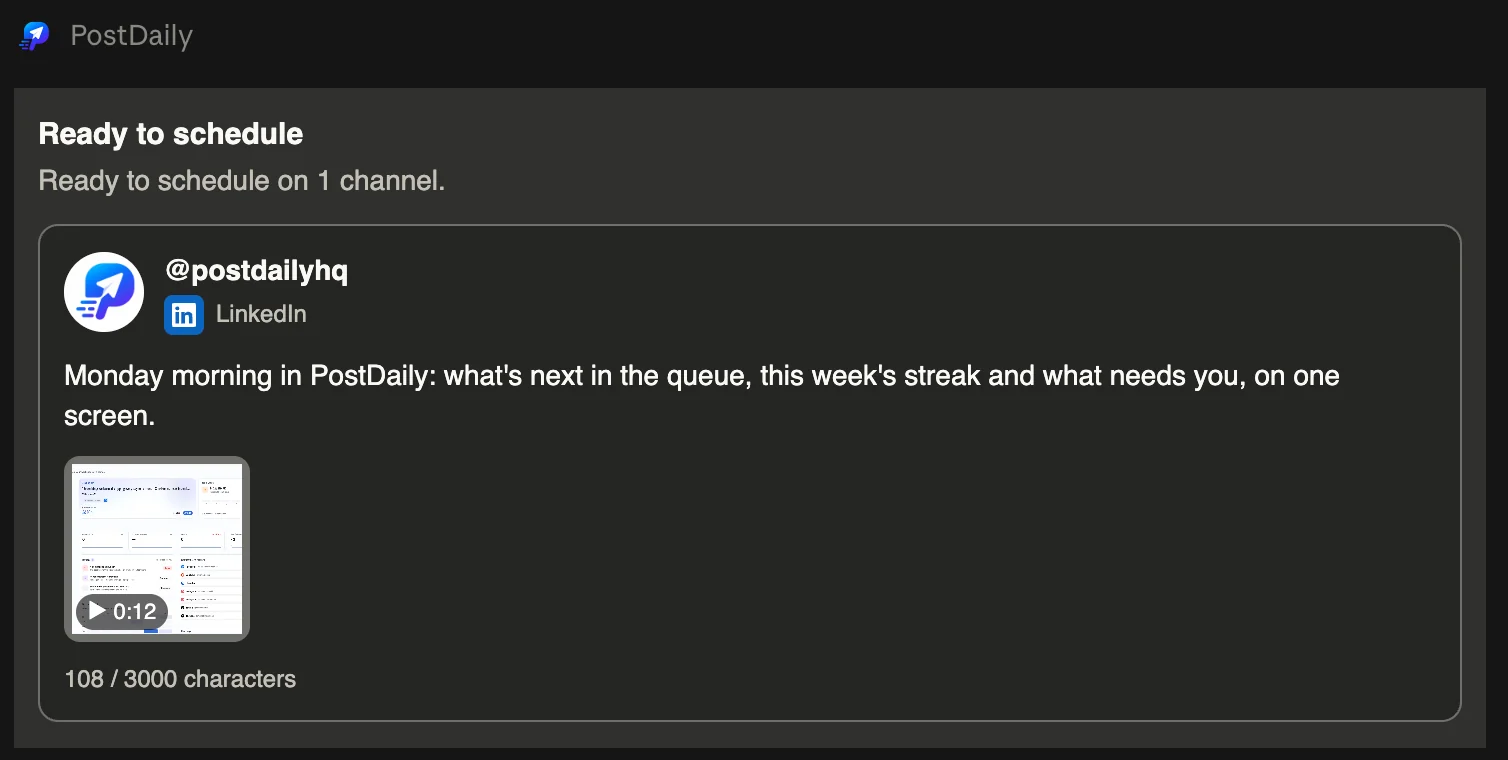
In Claude and ChatGPT, PostDaily shows each post as a card: the channel, the text, the media and anything the network would refuse. Press a video to play it right in the chat.
How to connect it
- 1
Add PostDaily to your AI app
Paste the server URL, https://mcp.postdaily.app/mcp, where your app adds connectors or MCP servers. Settings → AI agents in PostDaily has the steps for each app, several with a one-click install.
- 2
Approve access in PostDaily
The app sends you to PostDaily to sign in. You choose what it can do and which workspaces it can see. You never paste a password or a key into the app.
- 3
Ask for what you want
List your channels, write a post, schedule it, check your queue or read your analytics, in plain language. The posts land in the same queue and calendar as the ones you make in PostDaily.
Works with
- Claude
- ChatGPT
- Claude Code
- Codex
- Cursor
- VS Code
- Gemini CLI
- Devin / Windsurf
- Zed
- Goose
- LM Studio
- Cline
- JetBrains AI
- n8n, Make & scripts
Any other app that supports remote MCP servers can connect too. Automations and apps that cannot sign in, such as n8n, Make or your own scripts, use an API key with https://mcp.postdaily.app/key/mcp.
You stay in control
It asks before anything goes out right away
Even with full access, the app has to confirm with you in the chat before it publishes a post immediately or retries a failed one. Scheduled posts wait in your queue, where you can still edit or cancel them.
You choose what it can do
Full access can schedule and publish. Drafts only can write drafts and upload media, and nothing goes out until someone acts in PostDaily. Read only can look but not change anything.
Your rules still apply
Plan limits, each network's rules and client approval work exactly as they do in the app. In a workspace that requires approval, a post the app schedules waits for your client.
Disconnect it at any time
Settings → AI agents lists every connected app and API key, with its workspaces and when it was last used. Disconnecting takes effect on its next request.
Common questions
- What is an MCP server?
- MCP (Model Context Protocol) is the standard way AI apps connect to other tools. PostDaily's MCP server gives an app such as Claude or ChatGPT a set of actions it can take in your account, like listing channels, creating a post or reading analytics, and only the ones your access level allows.
- Does it cost extra?
- No. It works on every PostDaily plan, Free included, within that plan's limits. The writing is done by your AI app's own model, so it does not use your PostDaily AI credits. You need an account with the AI app itself.
- Which AI apps work with PostDaily?
- Claude (web, desktop and mobile), ChatGPT, Claude Code, Codex, Cursor, VS Code, Gemini CLI, Devin and Windsurf, Zed, Goose and LM Studio sign in with PostDaily. Cline, JetBrains AI Assistant, n8n, Make and your own scripts use an API key. Any other app that supports remote MCP servers can connect too.
- Can the AI publish a post without asking me?
- Not straight away. Publishing immediately, or retrying a failed post, needs your go-ahead in the chat first. Scheduling into your queue does not, but the post waits there, where you can edit or cancel it. Give the app Drafts only access if you want every post to go through you in PostDaily.
- Can it post my own photos and videos?
- Yes. Chat apps such as Claude and ChatGPT give you an upload link that opens your PostDaily media library, and attach what you upload. Coding agents such as Claude Code, Codex and Cursor can upload a file from your computer directly. Any app can also add media from a public URL.
- What does the AI app see?
- Only the workspaces you tick when you approve it, and only what its access level allows. What it reads, such as your posts and analytics, passes through that AI app, so its own privacy terms apply to it. PostDaily never gives it your social network passwords or tokens.