Organise your media library
Upload images and videos once and reuse them in any post, with collections, filters and favourites to keep a growing media library findable.
Reusing what you have already uploaded, filtered and collected.
Everything you attach to a post lives in your media library. Uploading it here once means you can reuse it across posts and channels without hunting through your downloads folder again.
Add files
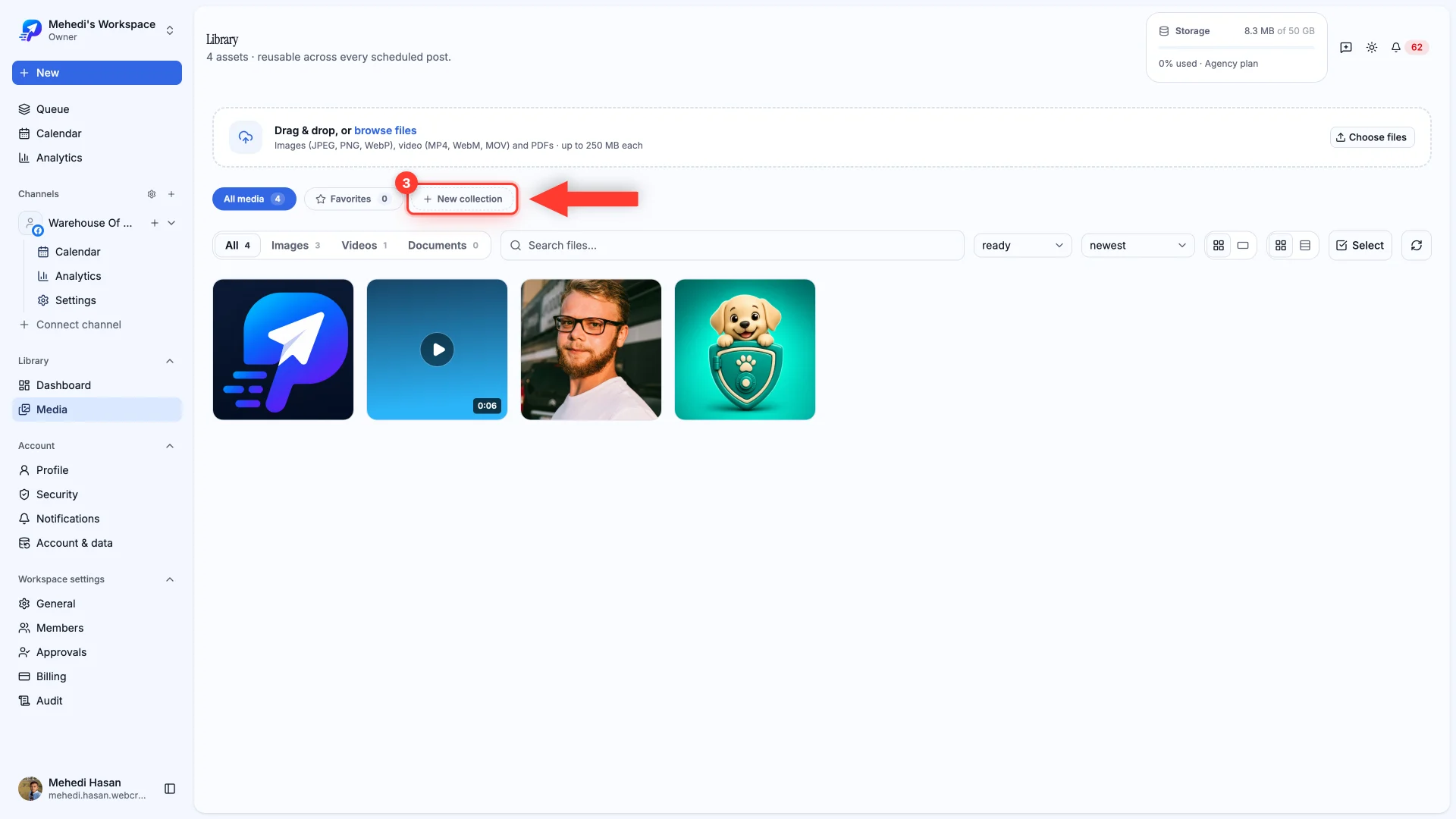
Drag files straight onto the page, or use Choose files. Images, video and PDFs are all accepted, up to 250 MB each.
Find things again
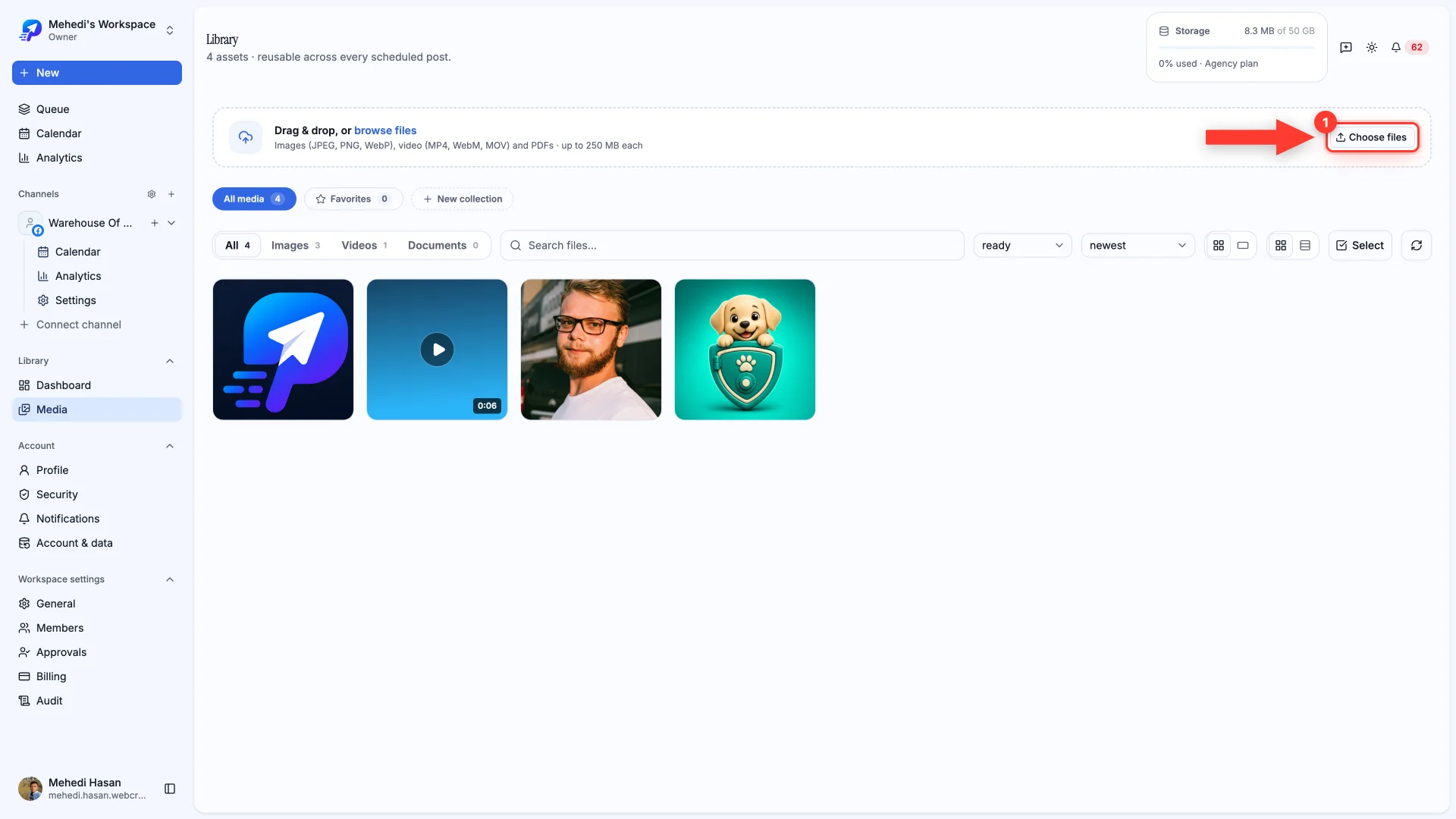
Filter by type, search by filename, and sort by newest or largest. Once you have a few dozen files, these are what keep the library usable.
Collections
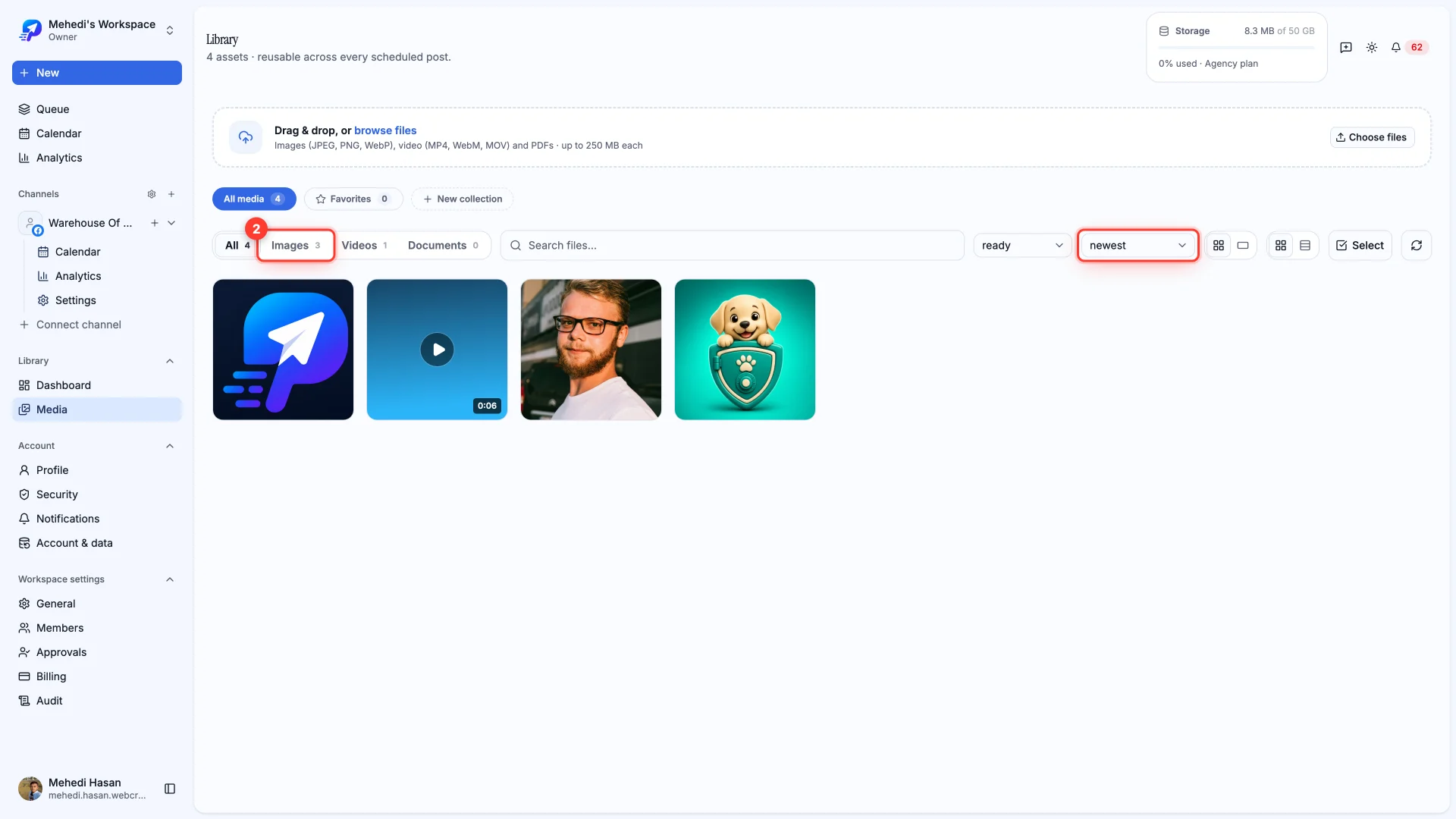
Collections group files by campaign, client or month — whatever fits how you work. A file can belong to more than one collection, so you don't have to duplicate anything.