Plan your week on the calendar
See everything scheduled across your channels on one calendar, switch between day, week and month views, and drag a post to a new time to move it.
Day, week and month views, the list, and filtering by channel or tag.
The calendar shows every post across every channel in one grid. It's the fastest way to spot a gap in the week, or three posts stacked on the same afternoon.
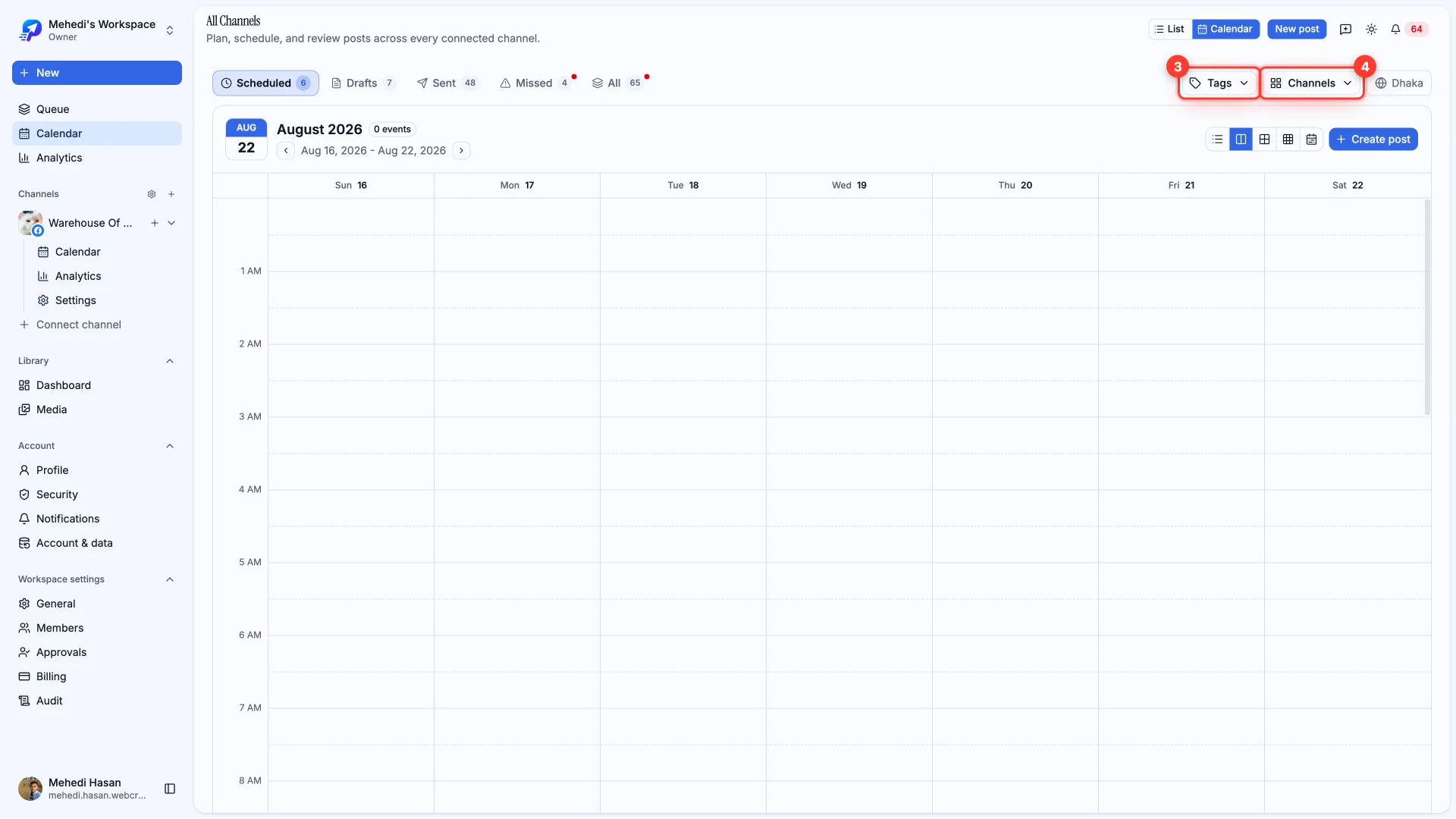
Day, week and month
Switch the range in the top right. Week is the everyday view; month is for spotting the shape of a campaign; day is for a busy publishing day where posts would otherwise overlap.
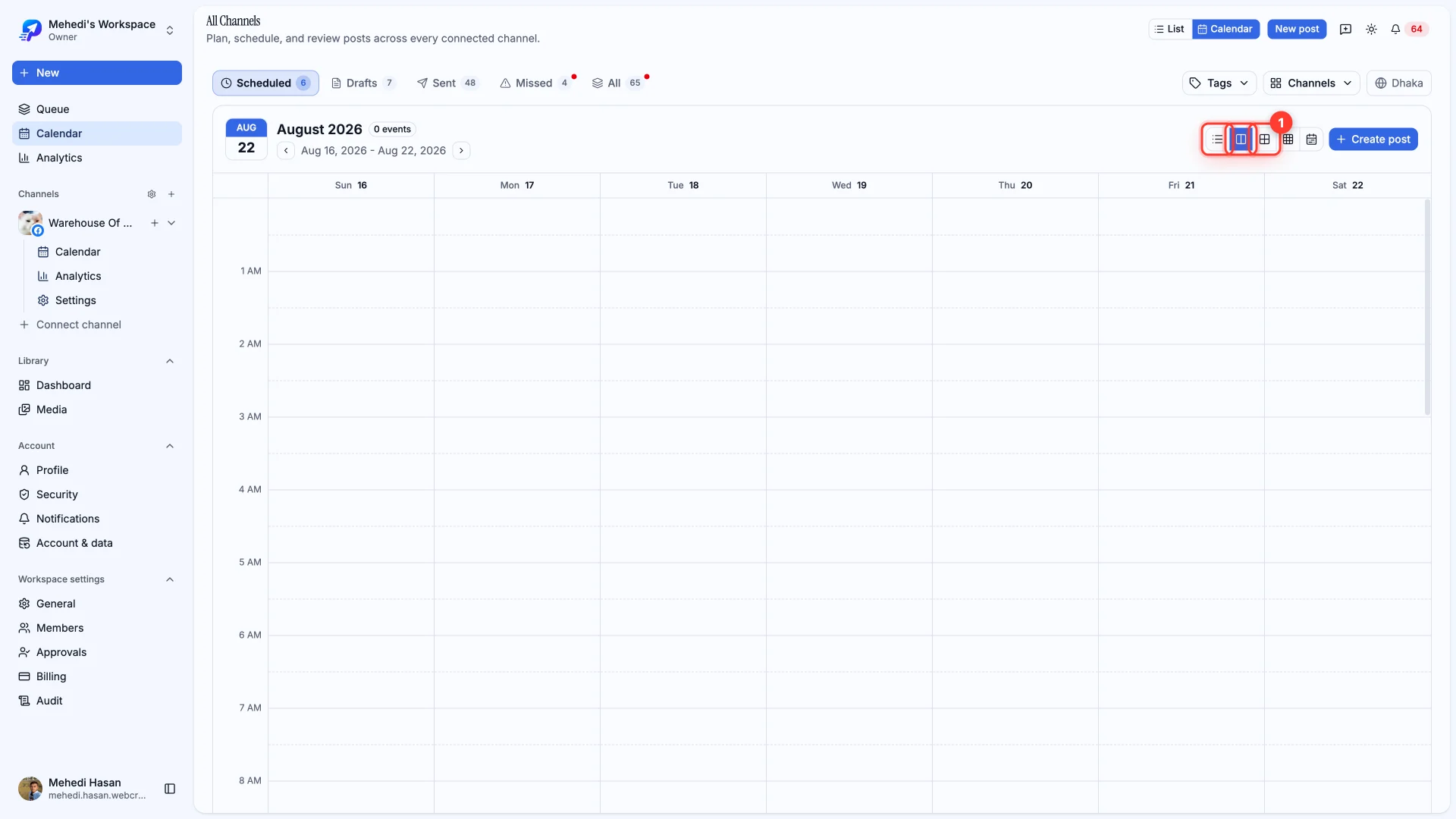
Calendar or list
Some things are easier as a list — searching text, scanning failures, or bulk-selecting. Toggle between the two without losing your filters.
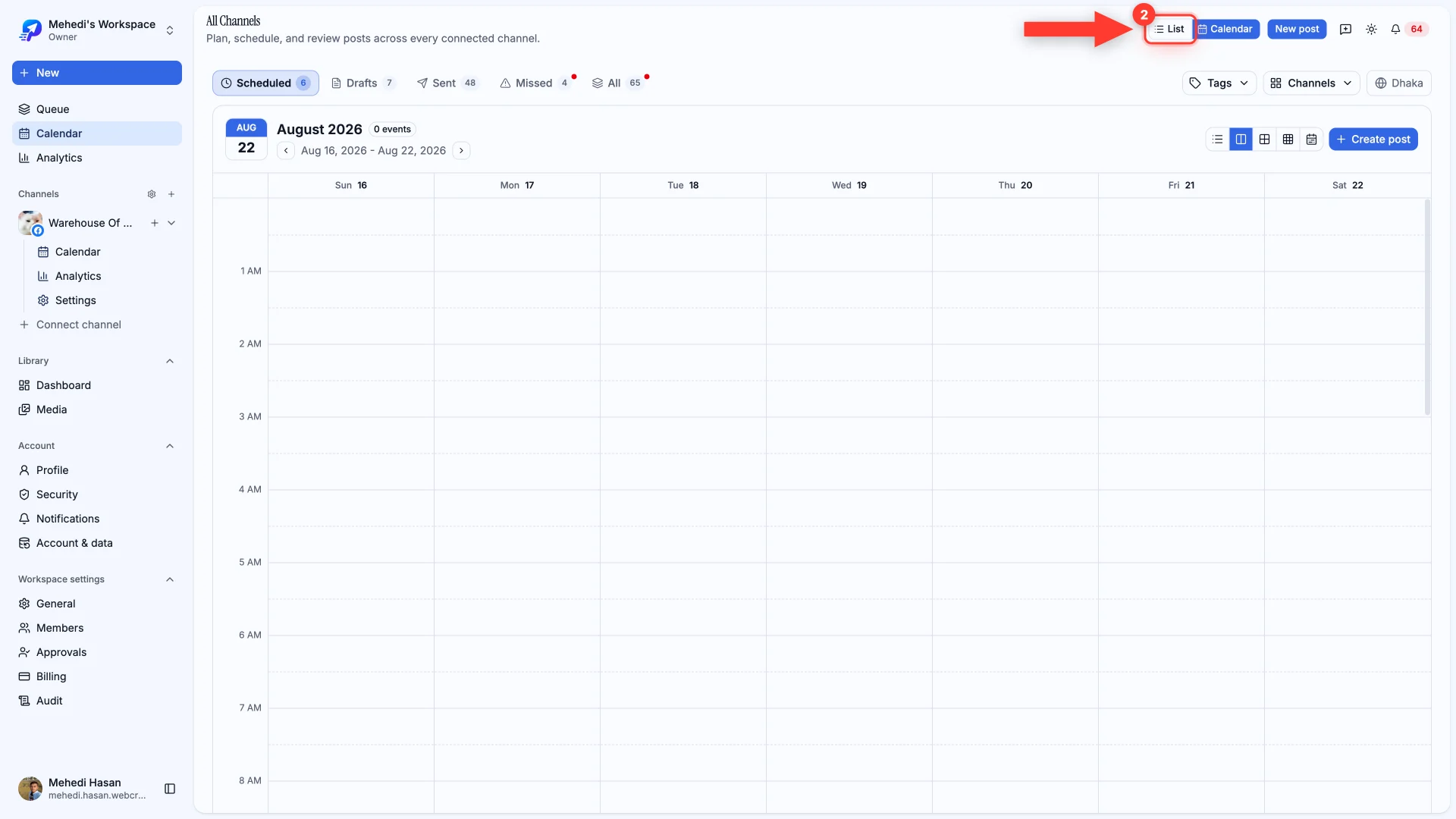
Filtering
Filter by tag or by channel to narrow what you're looking at. The status tabs — Scheduled, Drafts, Sent, Missed — work alongside the filters rather than replacing them.