
Your dashboard at a glance
Your PostDaily dashboard shows what's publishing next, how the last 30 days went, and the two or three things worth doing today, in one screen.
What goes out next, the week ahead, and what is waiting on you.
The dashboard answers three questions: what goes out next, how recent posts performed, and what needs your attention. It's designed to be the page you check rather than the page you work in.
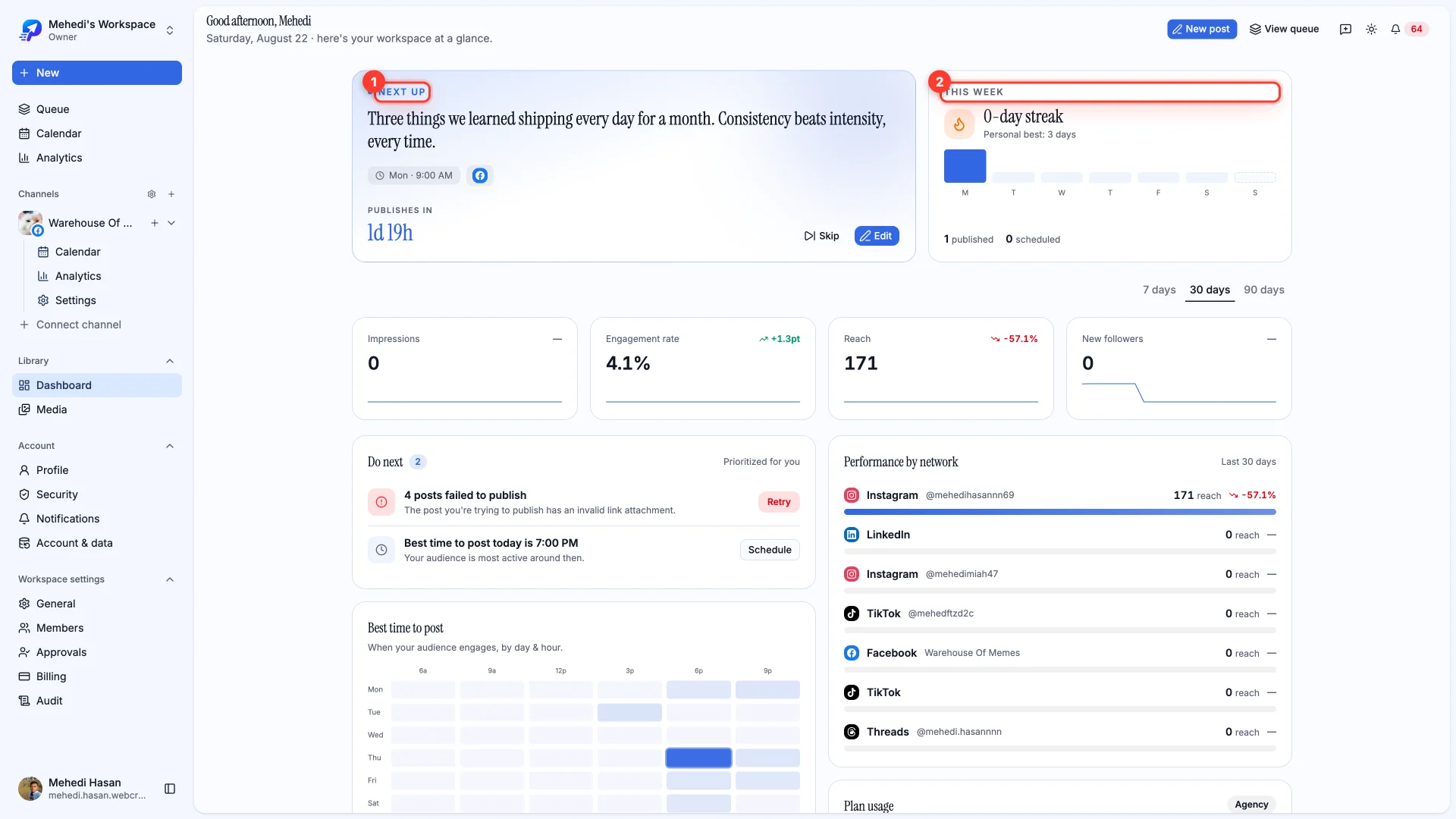
Next up, and your week
Next up shows the post at the front of your queue with a live countdown, and lets you skip or edit it without leaving the page. This week tracks how many posts you've published against your streak.
Performance
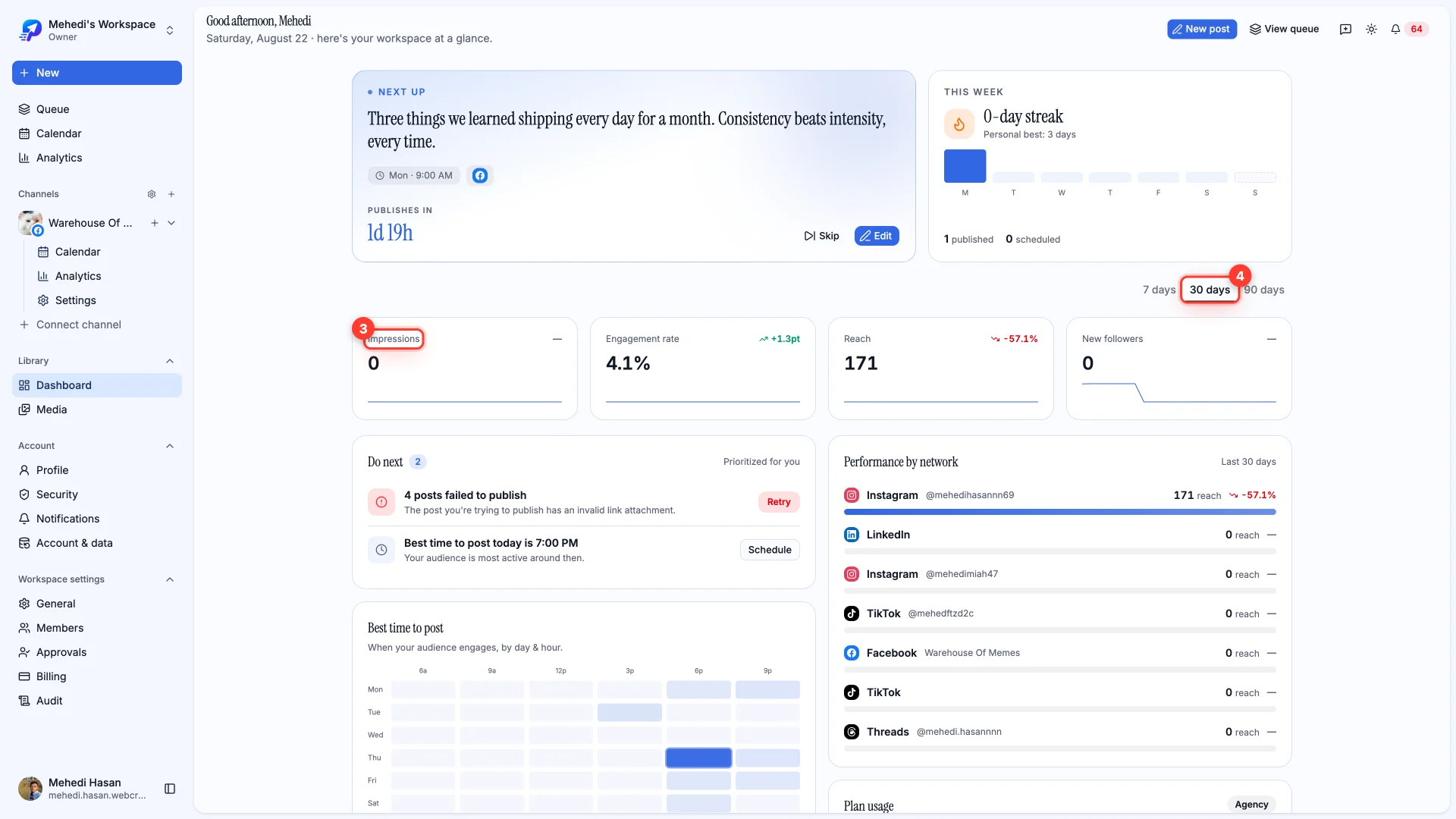
Impressions, engagement rate, reach and new followers, with the change against the previous period. Switch between 7, 30 and 90 days.
Do next
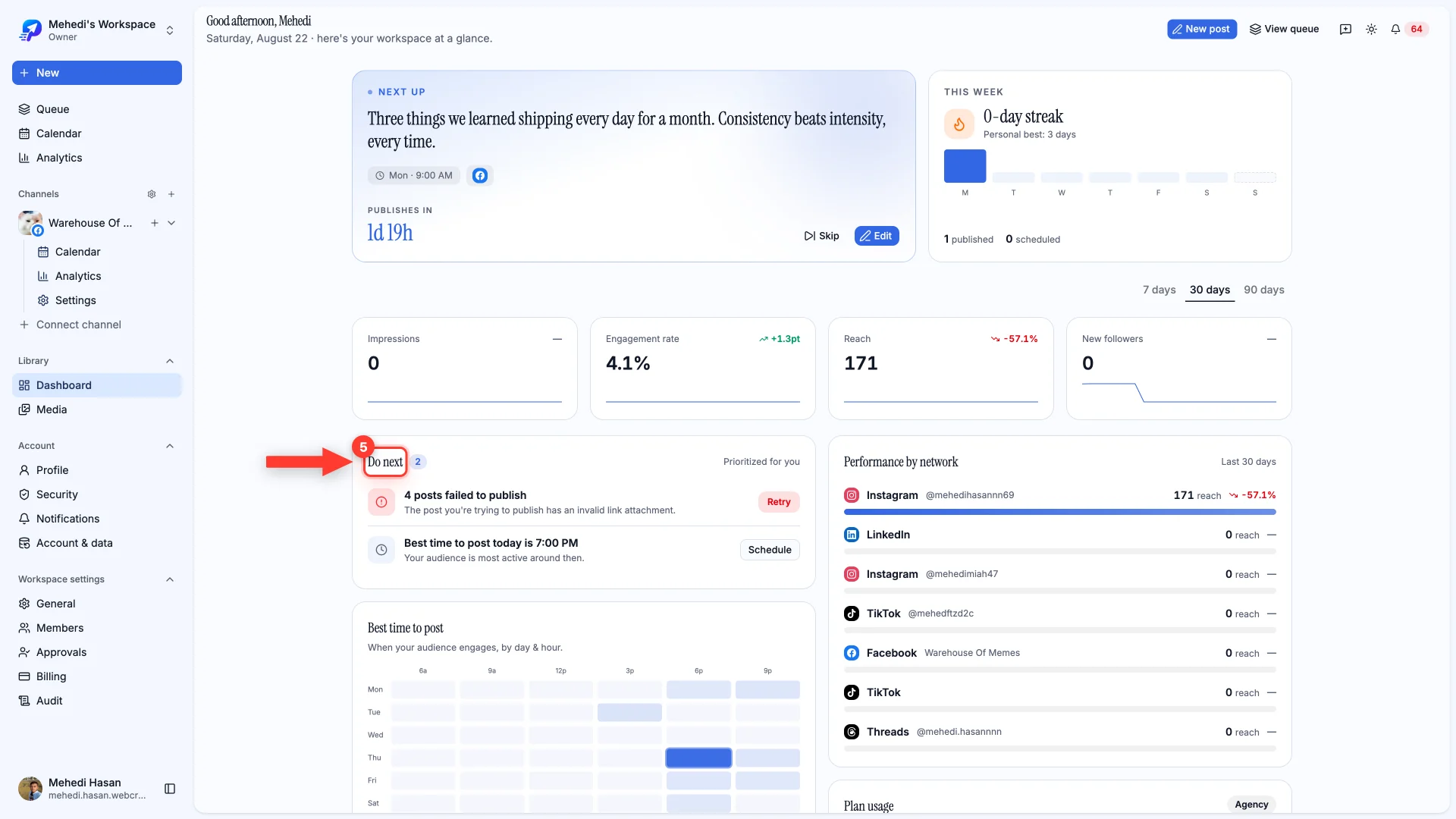
The most useful part of the page. PostDaily surfaces what actually needs doing — posts that failed and can be retried, a channel that needs reconnecting, or a good time to post today — each with the action attached.
Further down, Best time to post maps engagement by day and hour from your own history, and Performance by network compares your channels over the same period.