
Account & security
Turn on two-factor authentication
Add a second sign-in step by scanning a QR code with any authenticator app, then save your backup codes somewhere safe before you finish.
Updated · 2 min read
Adding a second factor to the account that holds every channel.
Two-factor authentication means a stolen password isn't enough to reach your account. Given PostDaily holds publishing access to your social channels, it's worth the minute it takes.
Enable it
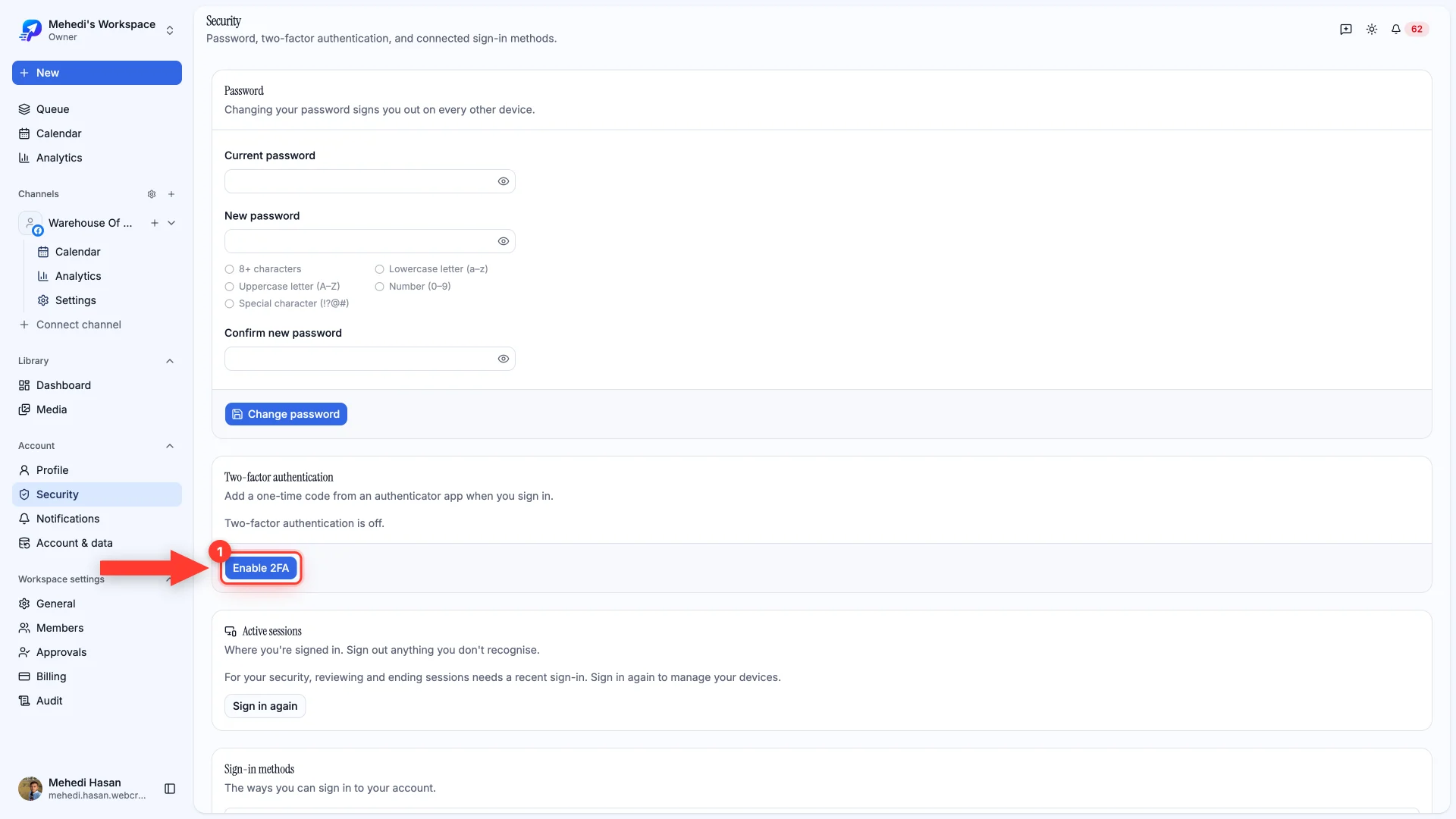
- 1Open Account → Security and click Enable 2FA
You'll scan a QR code with any authenticator app — 1Password, Authy, Google Authenticator, whichever you already use.
Changing your password
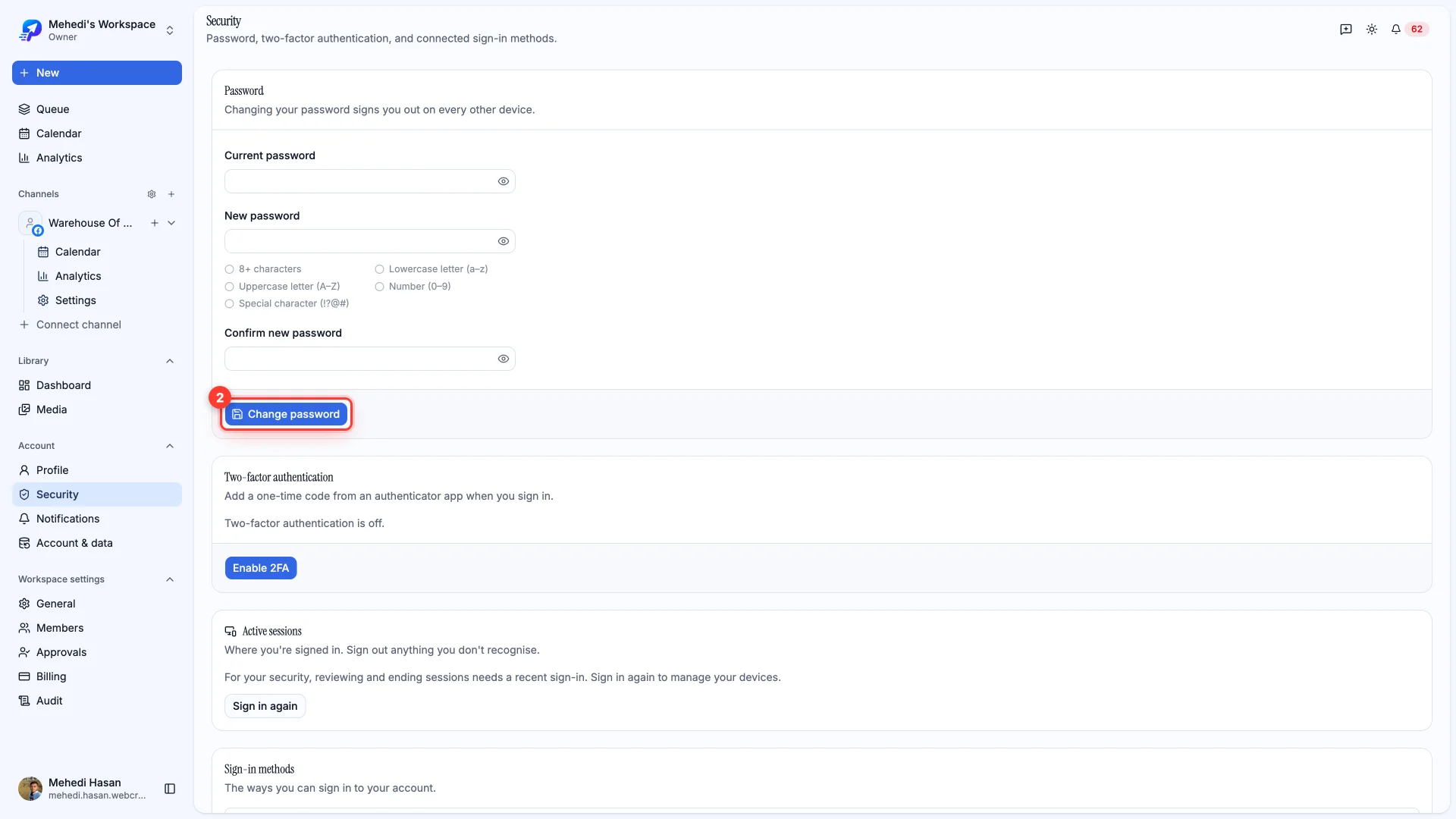
The same page is where you change your password. Doing so signs out your other sessions, so anyone using a stolen one is dropped immediately.
Still stuck?
We usually reply within one business day.