
Account & security
Choose which notifications you get
Decide which PostDaily notifications reach you by email and which stay in the app, category by category rather than all or nothing.
Updated · 2 min read
The two emails worth keeping on, and the rest.
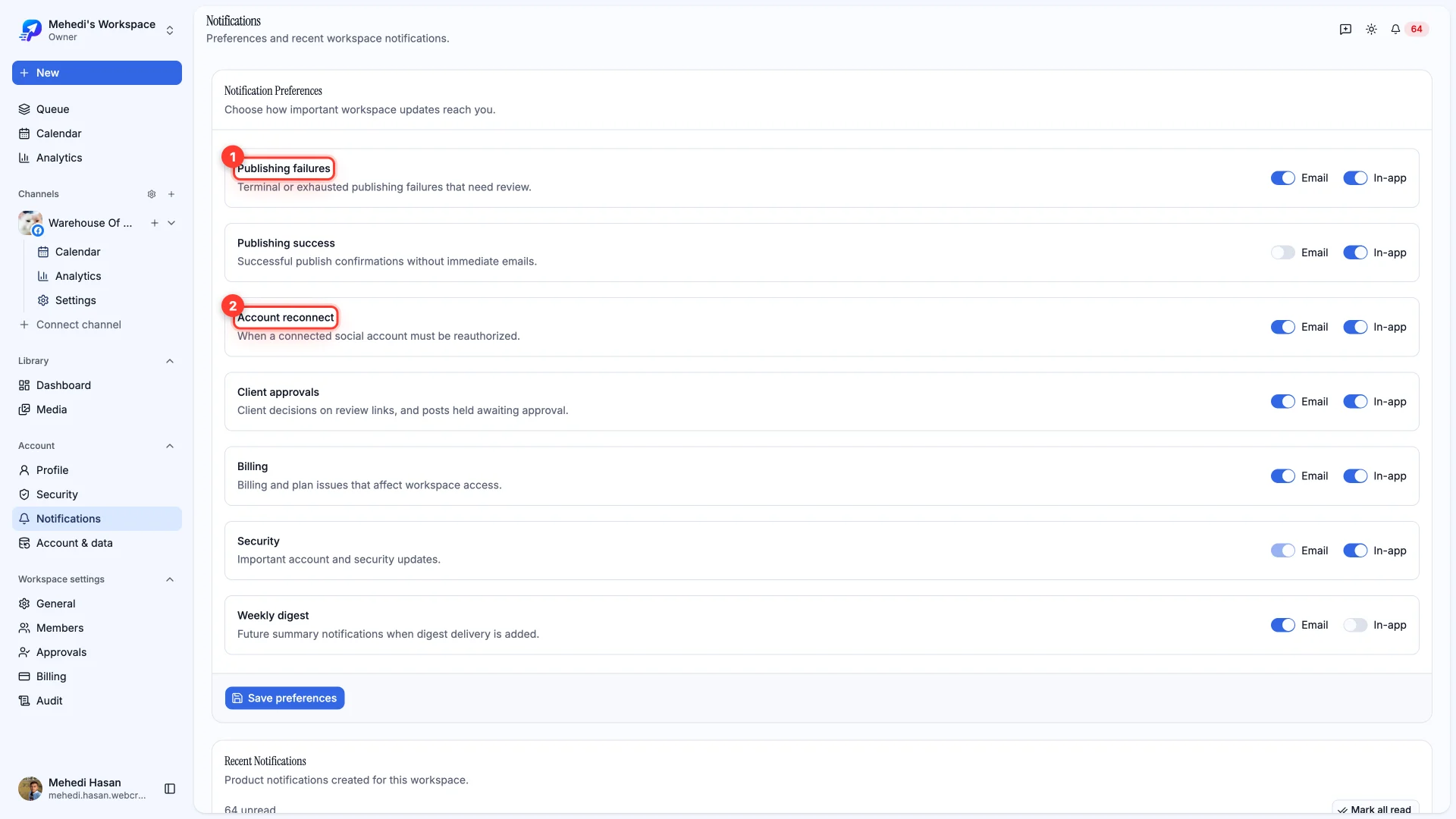
Notifications are set per category, each with separate Email and In-app switches. So you can be emailed the things that need action and leave the rest in the app.
The categories
- Publishing failures — posts that failed and need review. The one worth keeping on email.
- Publishing success — confirmations that a post went out.
- Account reconnect — a channel needs reauthorizing. Also worth keeping on email: until it's fixed, nothing on that channel publishes.
- Client approvals — decisions on review links, and posts waiting on approval.
- Billing — plan and payment issues that affect access.
- Security — account and sign-in updates.
Saving
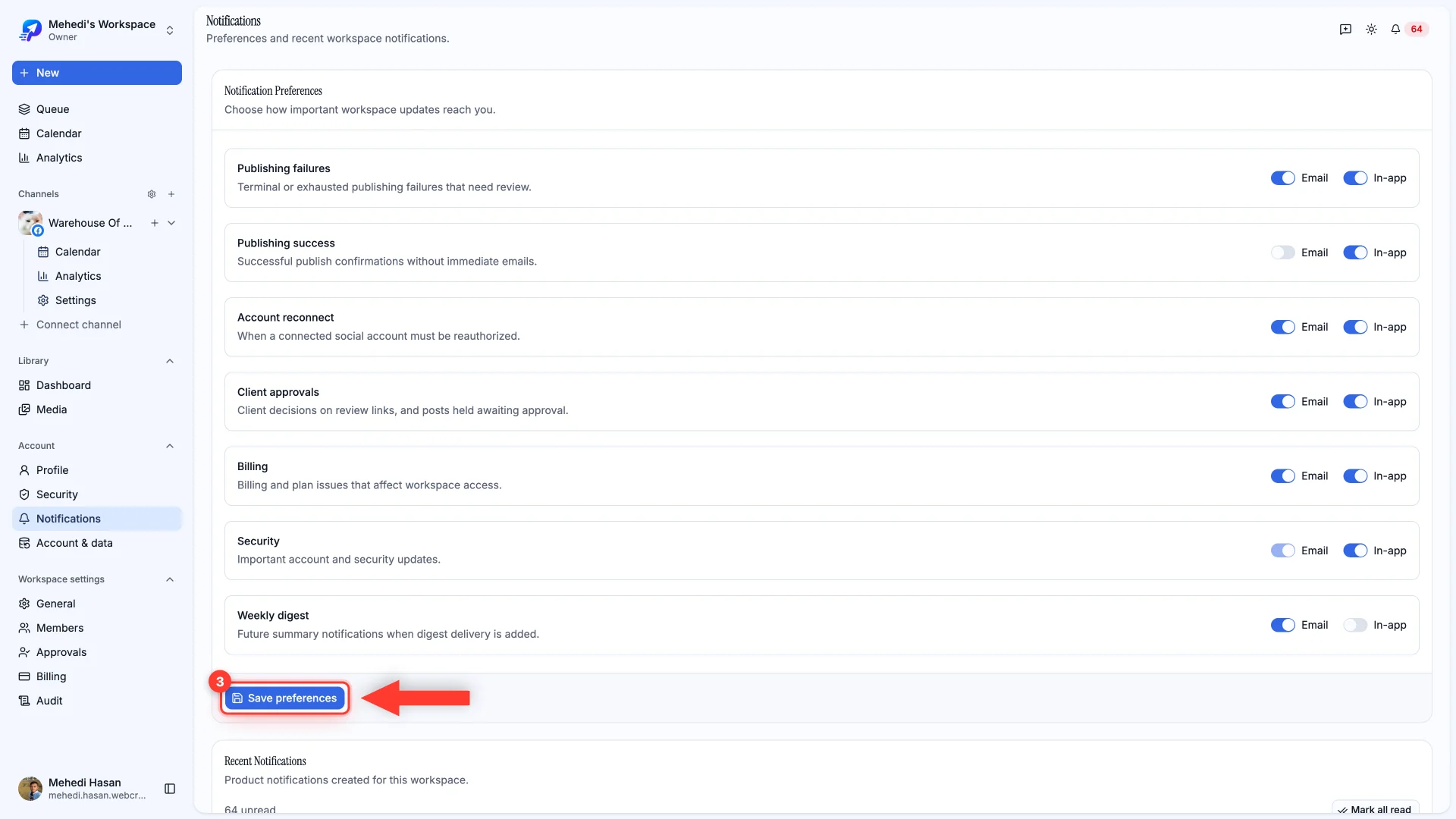
Changes aren't live until you press Save preferences.
Still stuck?
We usually reply within one business day.